Learning Through Decisions
Caregiving principles were translated into situational choices, asking users to practice not only what to do, but how to communicate.
/01 EXPERIENCE
A four-stage training journey that moves from learning VR controls to applying caregiving knowledge independently.
Learn the Controls
Build confidence with essential VR interactions before training begins.
Controls → Context → Guided Practice → Independent Application
/02 TUTORIAL
First-time VR users learn Move, Turn, Grab, Push and Teleport through interaction.
Reference / Adaptation
A controller tutorial pattern adapted for Guardian's Guide onboarding.
/03 CHILD PROFILE
Instead of reading a one-page profile, caregivers discover communication, sensory and food-related needs through the child's environment.
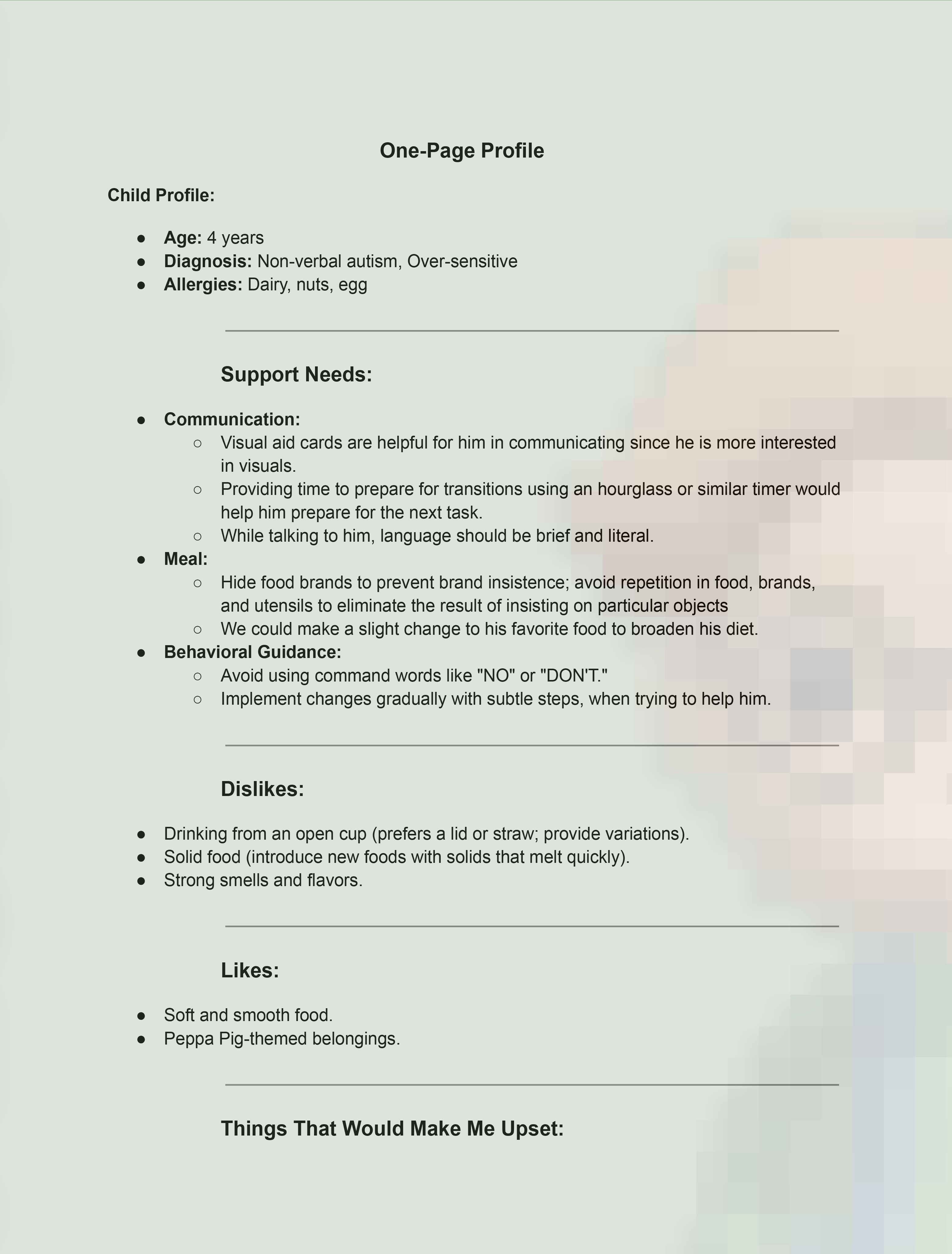
Original Profile / Supporting Context
Red / To Discover
Unexplored care information.
Yellow / Reviewed
Visited information remains accessible for review.
Users confirm that all red objects have been explored before moving on.
Grounding the Experience
Conversations with caregivers and autism organisations helped ground the training scenarios in lived experience.
/04 GUIDED PRACTICE
A linear task sequence turns care knowledge into practical decisions.
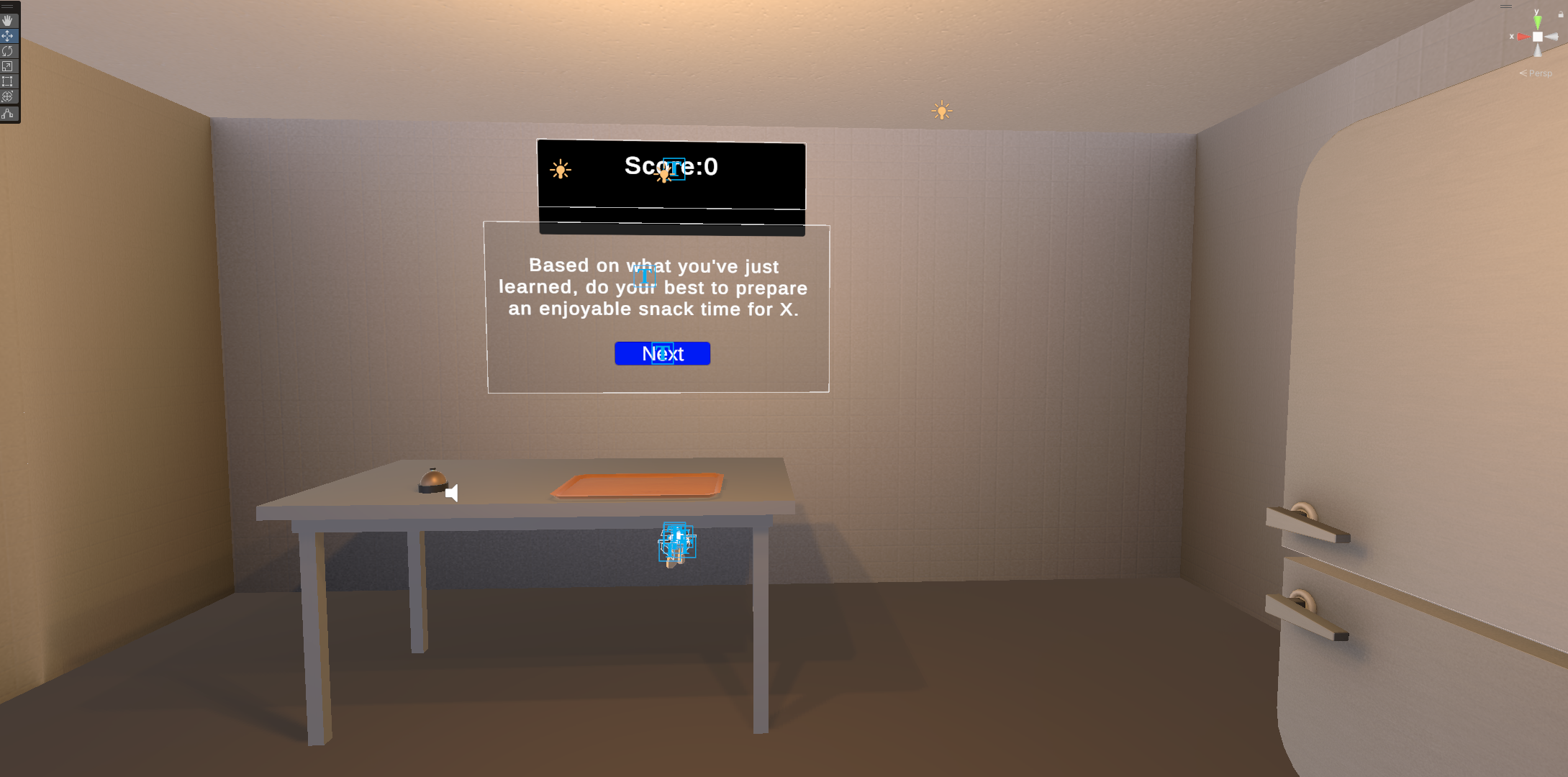
01 / Tableware
Choose neutral tableware without distinctive branding.
02 / Toast
Adjust a familiar food gradually to expand texture acceptance.
03 / Fruit
Choose a softer fruit instead of introducing a drastic change.
/05 INDEPENDENT PRACTICE
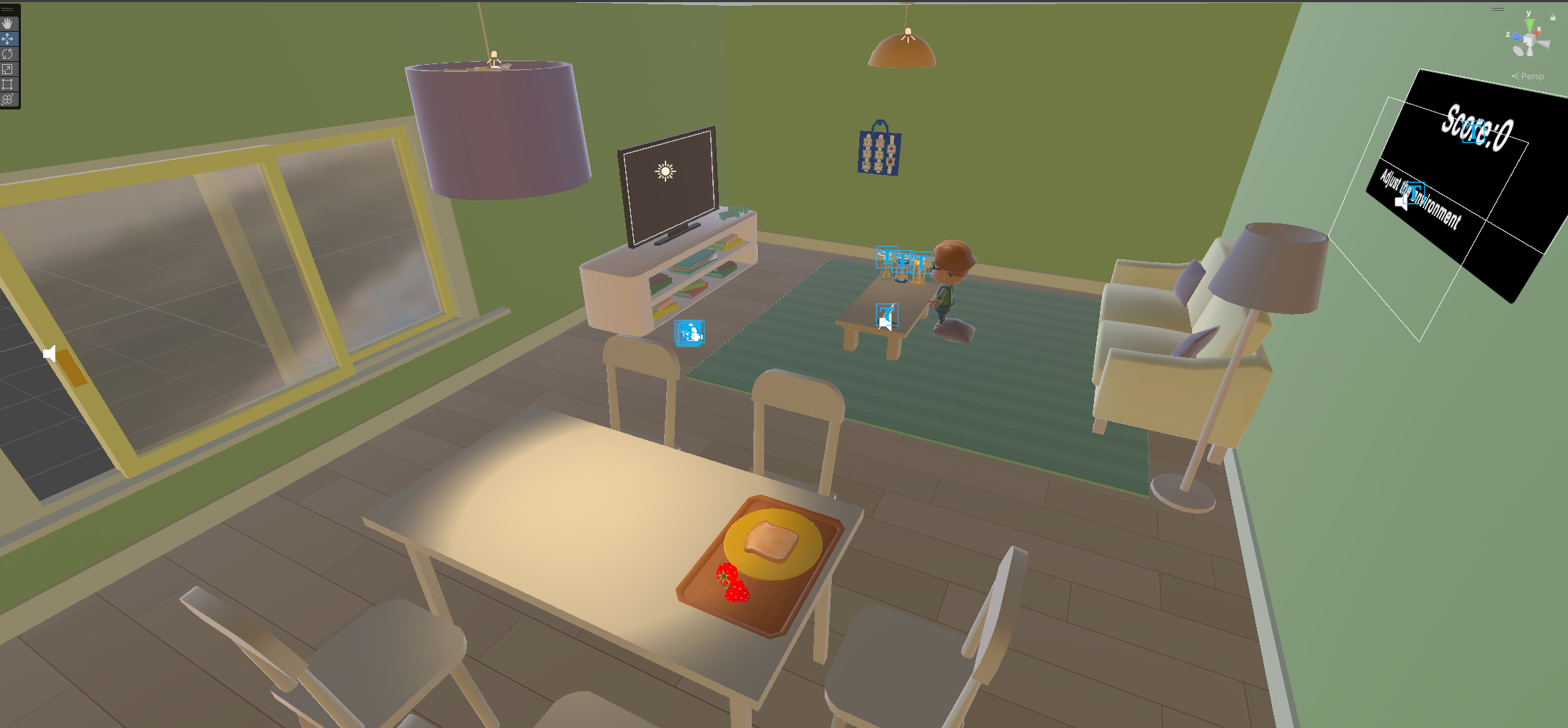
Learners receive one broader goal — prepare the child for snack time — and decide what requires attention.
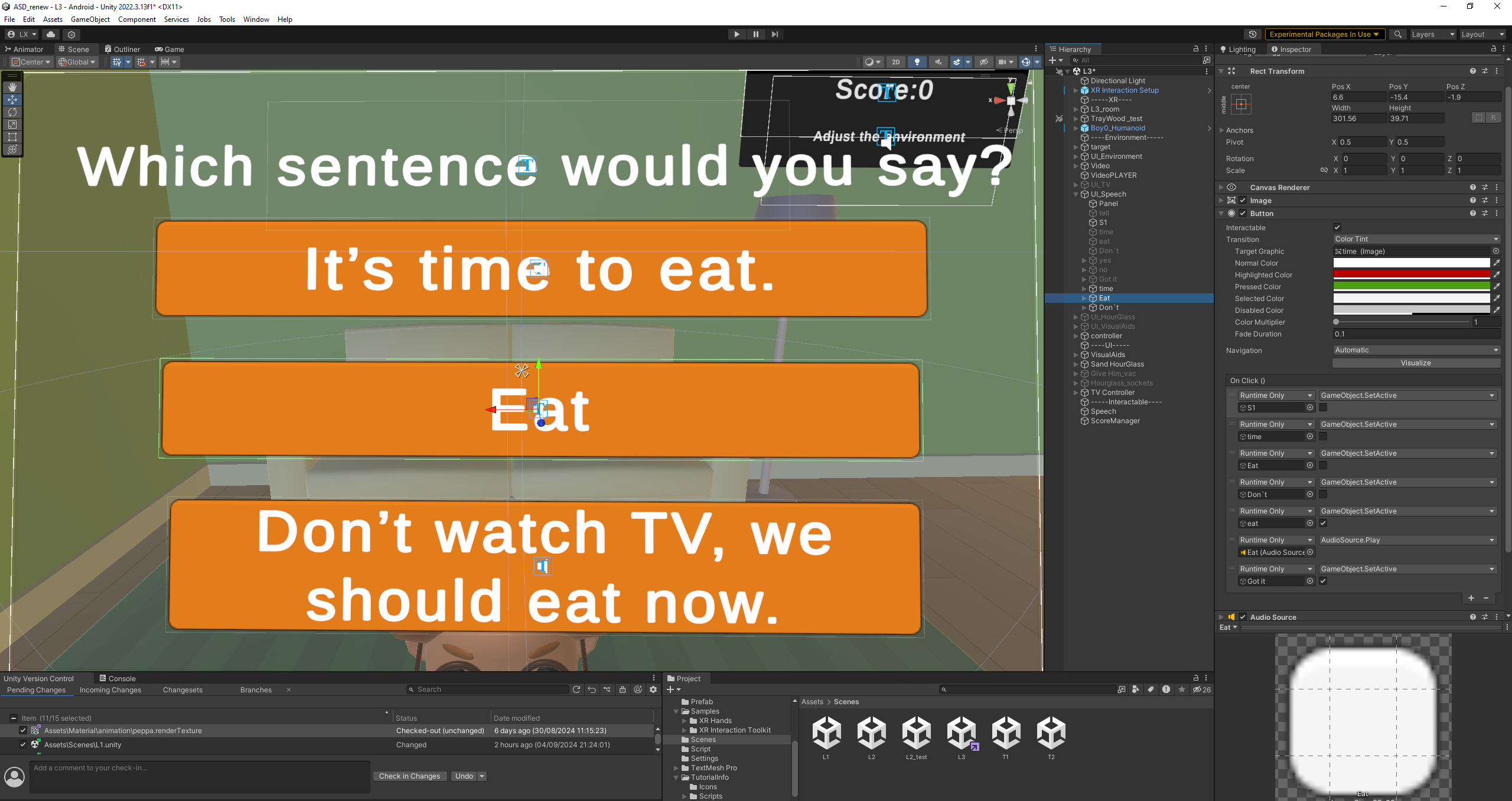
Close the window to reduce distracting outside noise.
Do not suddenly interrupt an activity the child enjoys.
Use brief, literal language rather than unnecessary wording.
Select the appropriate visual card to communicate the next activity.
Caregiving principles were translated into situational choices, asking users to practice not only what to do, but how to communicate.
Present multiple timers so the child can choose how much transition time they need.
The hourglass makes waiting visible while preserving the child's sense of choice.
Guided Kitchen
Step-by-step prompts
Linear progression
Guided decisions
Independent Living Room
One broader goal
Distributed interaction points
Independent exploration
/06 SYSTEM
Different learning stages required different scoring, progression and anti-repeat logic.
I translated the home-based snack routine into an interactive Unity environment.
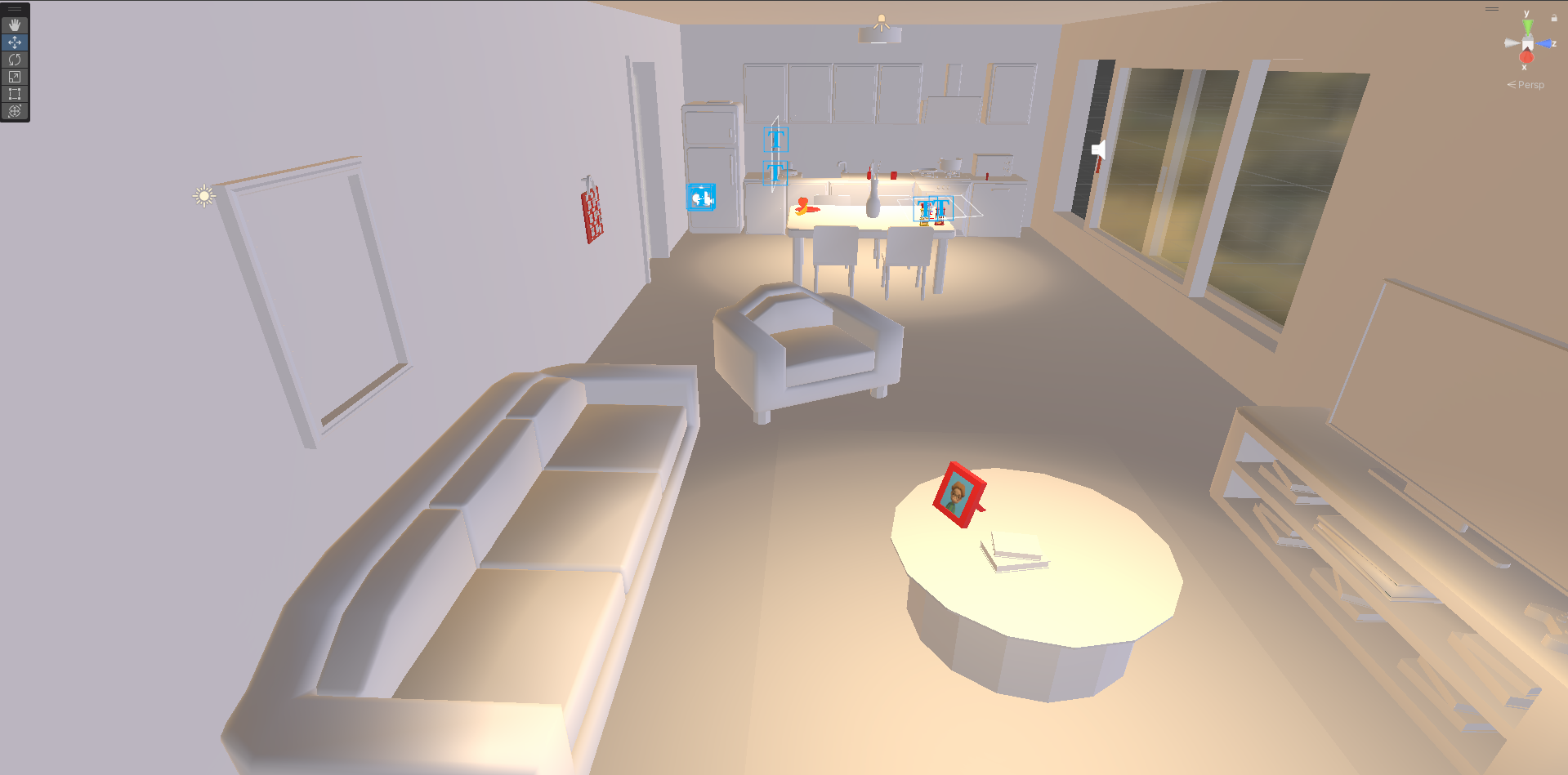
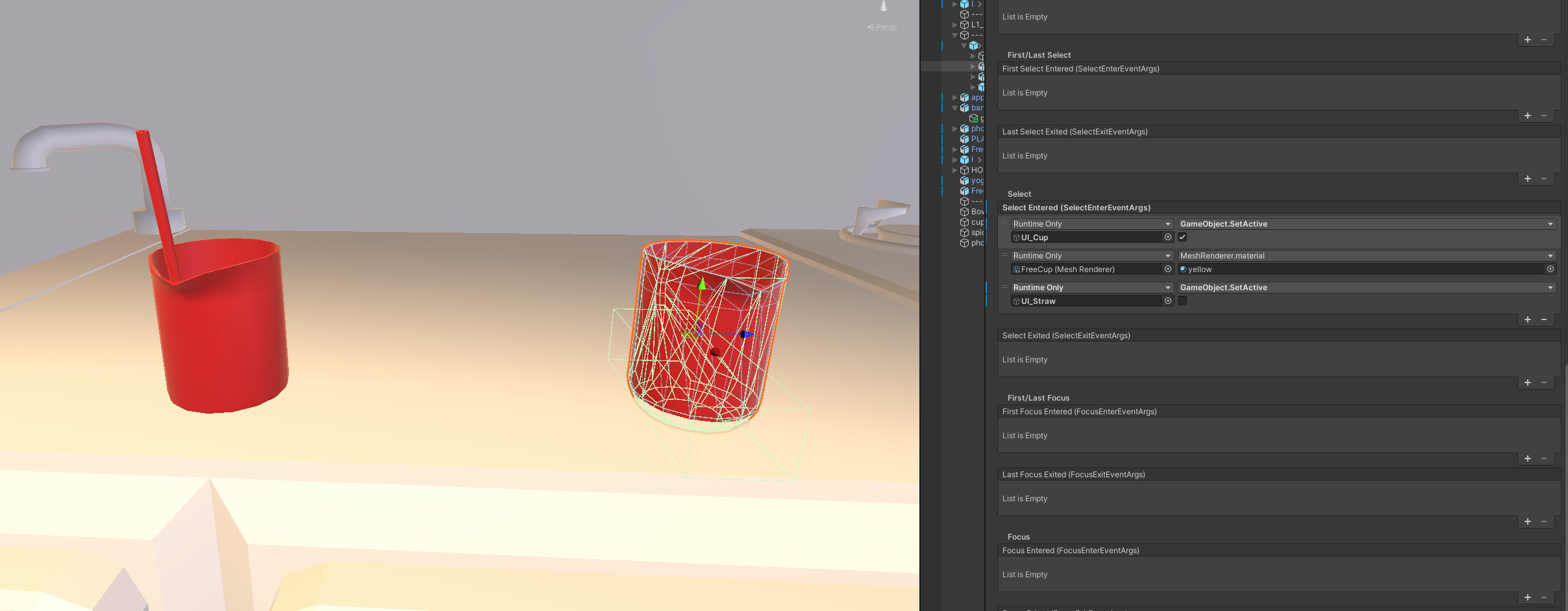
Interaction events connected object states with immediate visual feedback.
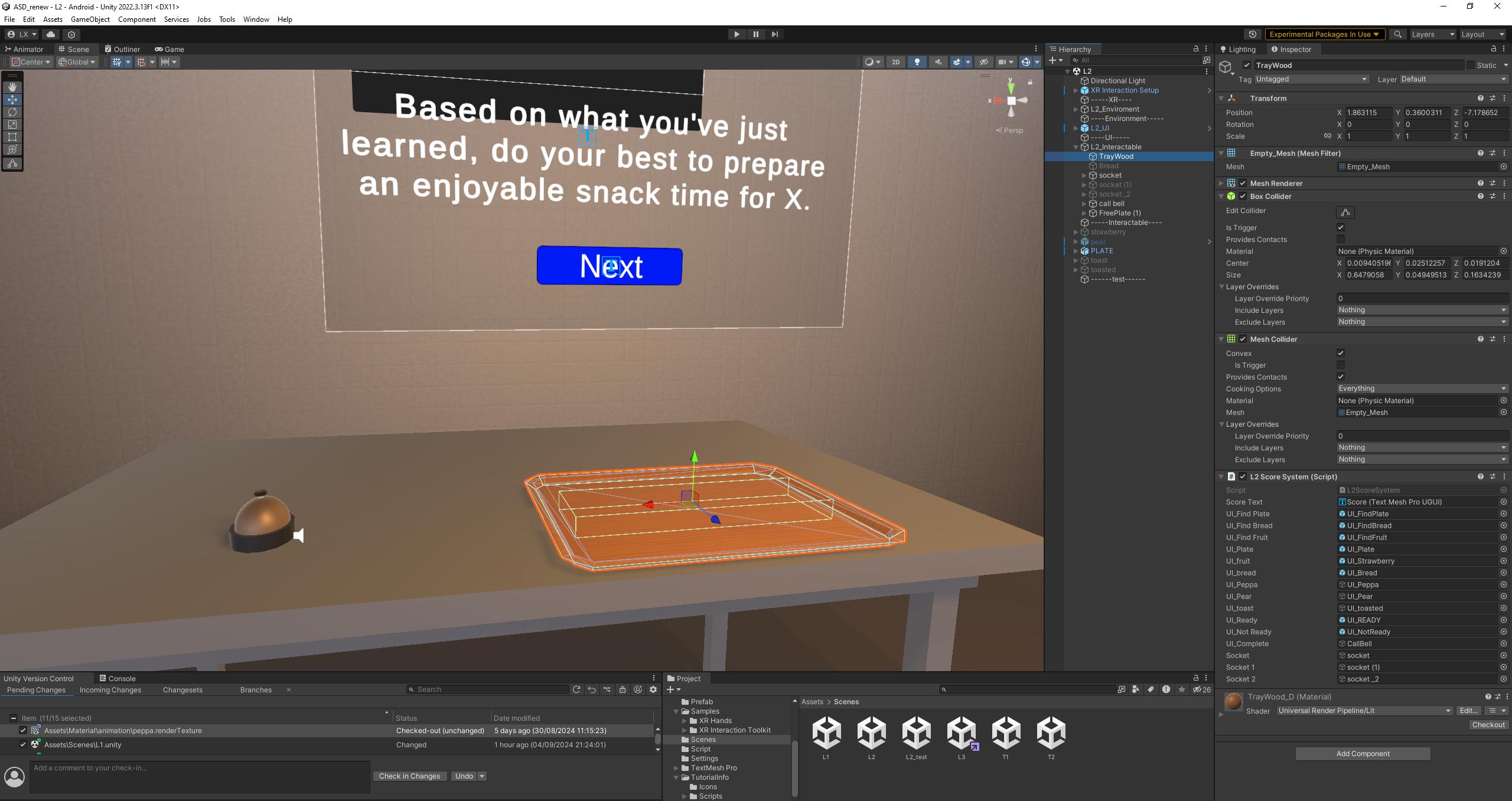
Task states, object placement, UI feedback, and scoring were linked into one practice sequence.
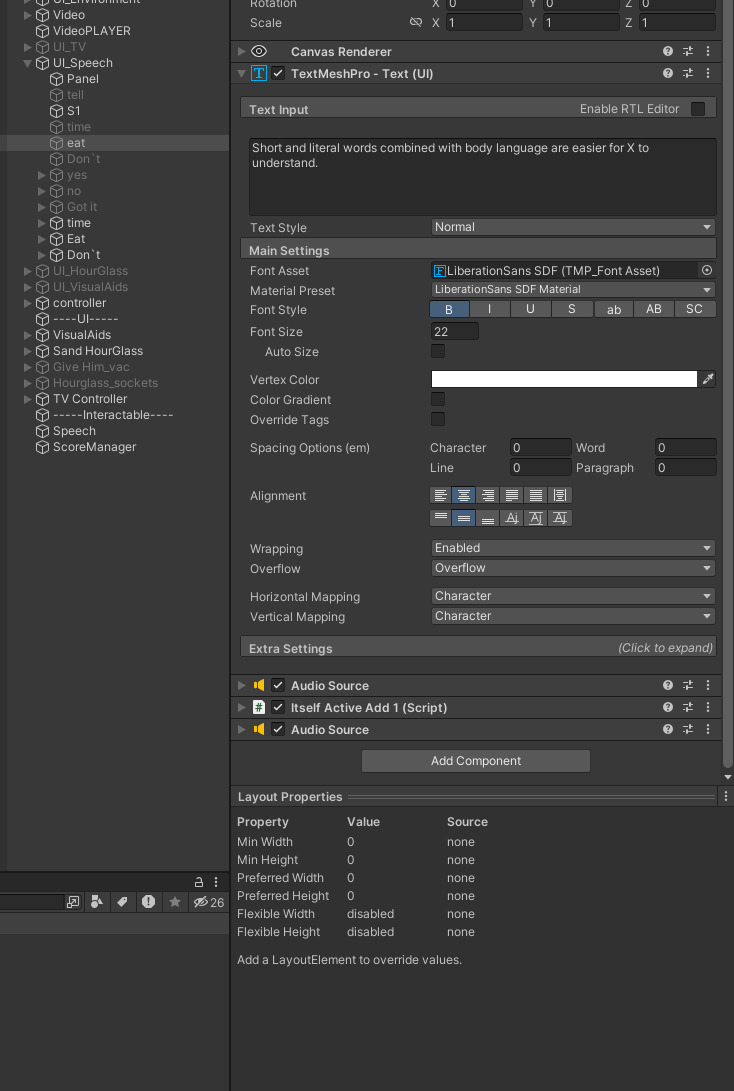
Research-informed guidance was embedded directly into the training content and feedback system.
Guided Kitchen System
The first choice locks the result and removes the alternative.
The next task unlocks only after the current one is complete.
Choose → Lock → Remove Alternative → Unlock Next
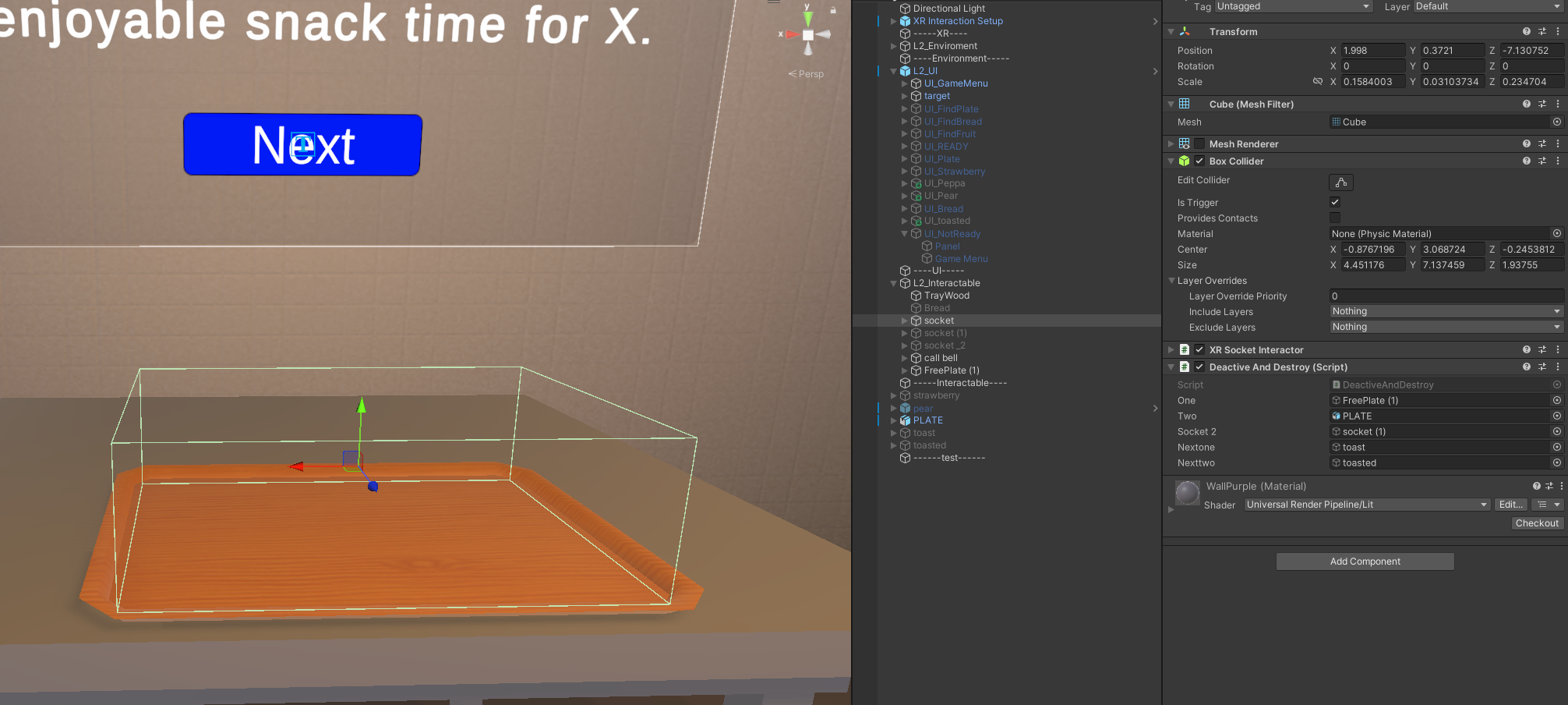
Collision Validation
Tags and colliders determine which choice was made.
Prevent Repeated Scoring
After scoring, the selected object's Grab interaction is disabled.
Choose → Collider Validates → Score → Disable Grab
Living Room System
Stable Placement
Sockets snap objects into their intended positions.
Distributed Scoring
Living Room tasks score independently across different interaction points.
/07 VALIDATION
The completed VR training was compared with a paper-based child profile.
VR Training
6 / VR
Paper Profile
6 / Paper
Responsiveness
Significantly
Higher in VR
p = 0.044
Confidence
VR
6 / 6
Paper
3 / 6
All VR participants reported confidence, compared with half of the paper group.
Other measured outcomes did not reach statistical significance.
A real-scale kinetic installation that turns heritage memory into motion, rhythm and light.